
Learn Autodesk Fusion [360] through hands-on projects, guided lessons, and a step-by-step system designed for complete beginners.
Aligned to the Autodesk Certified User Exam, this course builds the foundational skills needed for CAD certification, engineering pathways, and future design work.
Trusted by educators and institutions worldwide, including faculty at Harvard, Stanford, Yale, UCL, and Cambridge. Autodesk Authorized Training Center.






.jpg)
The fastest way to learn CAD is to start building.
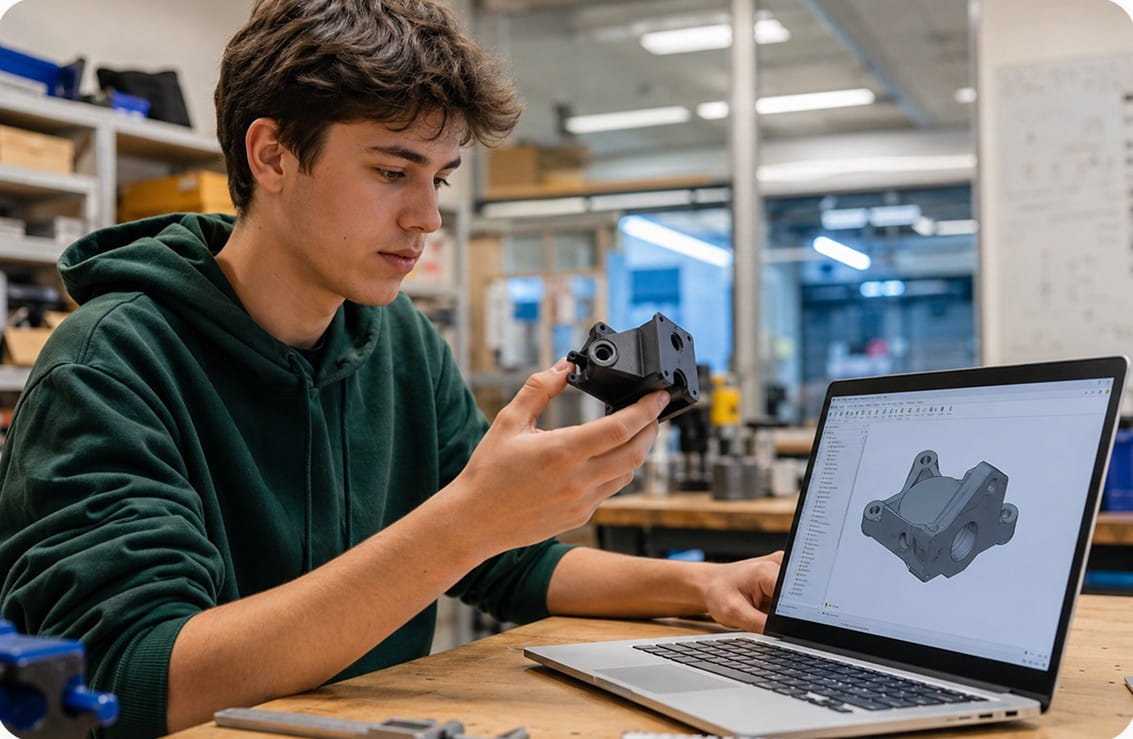
Fusion Fundamentals teaches Autodesk Fusion [360] through guided, beginner-friendly projects that introduce core CAD concepts one step at a time. Every lesson is designed to help you build confidence as you create projects that feel practical, creative, and rewarding.
You’ll work through designs like rockets, rings, emoji faces, and mechanical builds while learning the same workflows used in real engineering and product design.
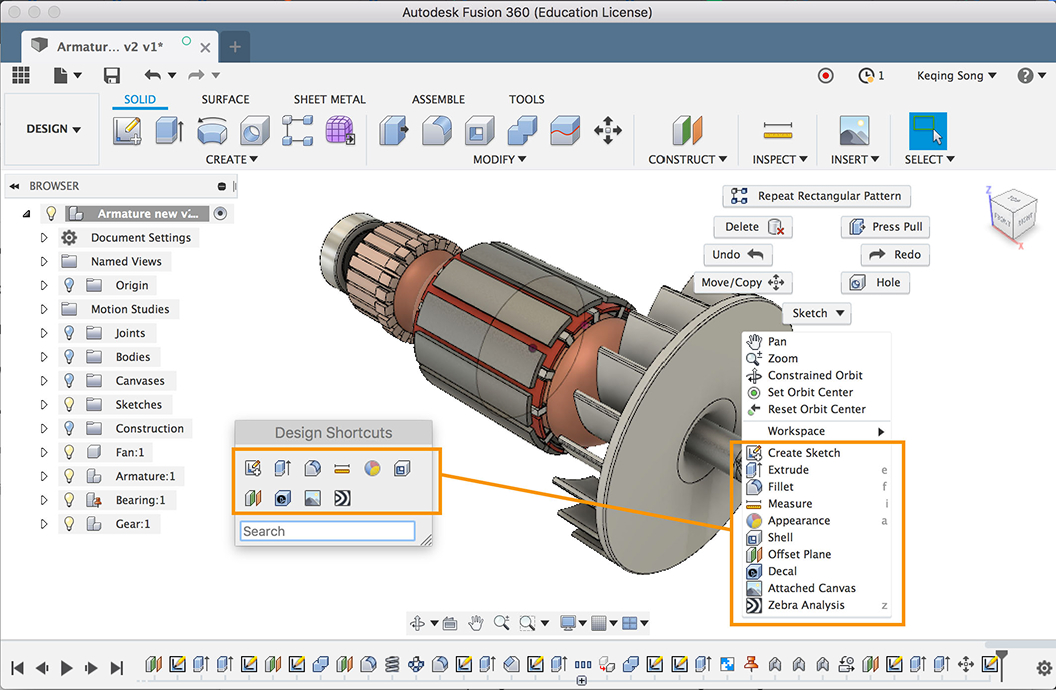
Each project builds naturally on the last, helping you steadily grow your CAD skills without feeling lost along the way.
Most beginners struggle with CAD because the learning path feels random.
Fusion Fundamentals is organized into clear modules that gradually build your skills through guided instruction, project challenges, and reinforcement activities.
.jpg)
Start with the basics, set up your workspace, and understand how the course works.
Learn the Fusion [360] workspace, navigation tools, and essential CAD workflows.
Build beginner-friendly projects while learning revolves, extrusions, dimensions, constraints, fillets, and patterning.
Strengthen your understanding through guided reviews, quizzes, and project-based challenges that help concepts stick.
.jpg)
You do not need prior CAD experience to start.
Fusion Fundamentals is designed for students who are brand new to Fusion [360] and want a clear, approachable way to learn. Lessons are paced intentionally, with concepts introduced at the right time so learning feels manageable and rewarding.
If you’ve tried learning CAD through random videos before, you already know how frustrating it can feel when nobody explains the bigger picture.
This course changes that with a structured system built to help beginners keep progressing.
.svg)
Fusion Fundamentals gives you more than just video lessons.
You’ll also have access to a supportive community of instructors, mentors, and learners who can help answer questions and keep you moving forward.
Fusion Fundamentals runs on demand, so you can start anytime and learn at your own pace.
Most lessons take between 10–20 minutes to complete, with the full course requiring approximately 16 hours total. Some learners complete the course in a few weeks, while others use it alongside school programs, makerspaces, or personal projects.
You’ll have lifetime access to all course materials, allowing you to revisit projects and continue building your skills over time.
%20(1).jpg)
Co-Founder of CAD Class | Mechanical Engineer | CAD & Fabrication Instructor
Jake Sugden has spent years teaching CAD, engineering, fabrication, and digital manufacturing through makerspaces, workshops, and educational programs. Thousands of students have used the same methods, projects, and workflows that shaped this course.
As a Fusion [360] specialist and lifelong maker, Jake focuses on making complex technical skills feel approachable, practical, and engaging.
Learning CAD gets much easier when everything follows a clear path.
CAD Class combines project-based learning, guided instruction, and real support into a system designed to help beginners build confidence step by step.
What Makes It Different
The goal is not just to finish lessons.
It’s to help you confidently use Fusion [360] to design, create, and build your own ideas.
%20(1).jpg)
Learning CAD doesn’t need to feel overwhelming.
Fusion Fundamentals gives you a clear path to building real Autodesk Fusion [360] skills through guided
projects, structured lessons, and practical learning that keeps you engaged from start to finish.
Start creating with confidence.