

The all-new 3rd Edition. Go from your very first sketch to production-ready parts through 26 guided video projects, fully updated for today's Fusion and aligned to the Autodesk Certified Associate exam.






Trusted by educators and institutions worldwide, including faculty at Harvard, Stanford, Yale, UCL, and Cambridge. Autodesk Authorized Training Center.
The fastest way to learn CAD is by using it.
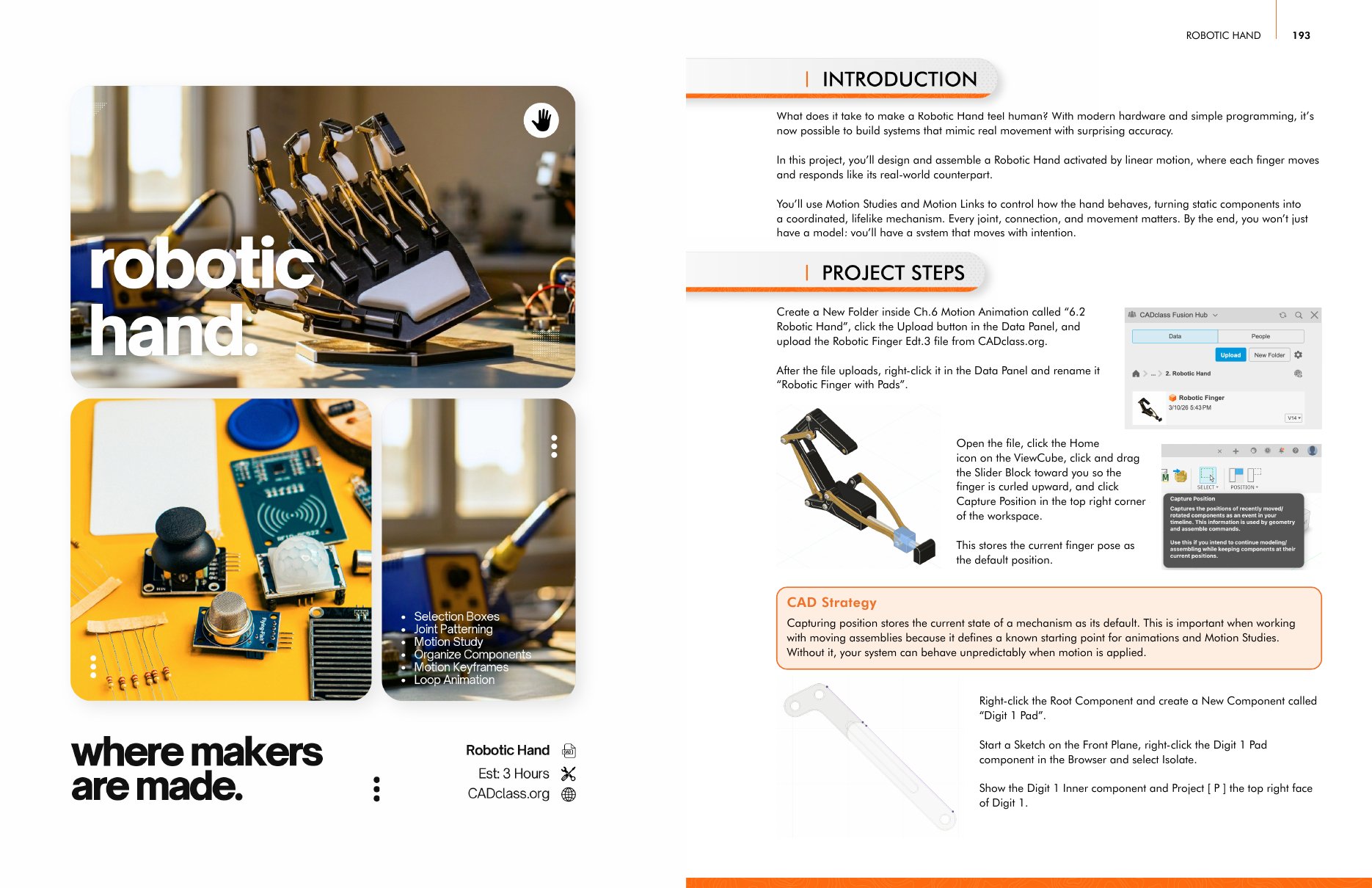
Across 12 chapters, you'll complete 26 guided projects that progressively build your skills in Autodesk Fusion [360]. Each lesson focuses on practical application, so you understand not just what to click, but why designs are built the way they are. You'll build a Saturn V rocket, a Tesla turbine, a robotic hand, the Curiosity rover, a gaming mouse, an electric guitar and more.
Every project includes step-by-step video instruction plus downloadable PDFs for easier reference while you work.
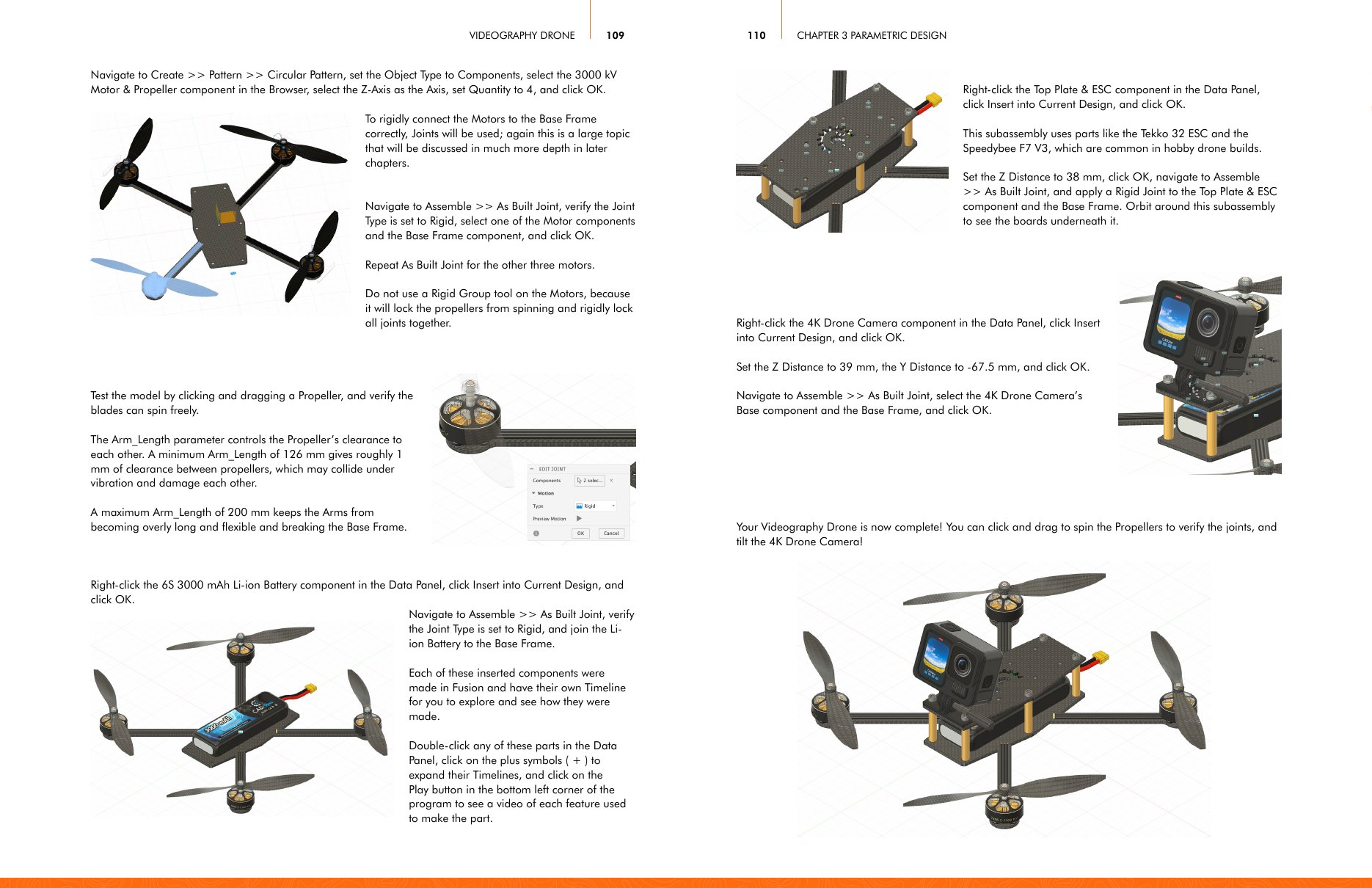
Most Fusion [360] tutorials teach isolated tools. At CAD Class, we teach the design process.
The course is organized into progressive modules that build naturally on each other, helping you develop confidence without feeling overwhelmed.
Each section combines guided instruction, independent challenges, quizzes, and practical applications designed to reinforce what you learn.
Master sketching, constraints and core modeling tools, then learn to design for 3D printing and molding with draft, shells, ribs, threads and real tolerances.
Drive your designs with user parameters and equations so models become configurable, reusable and easy to update.
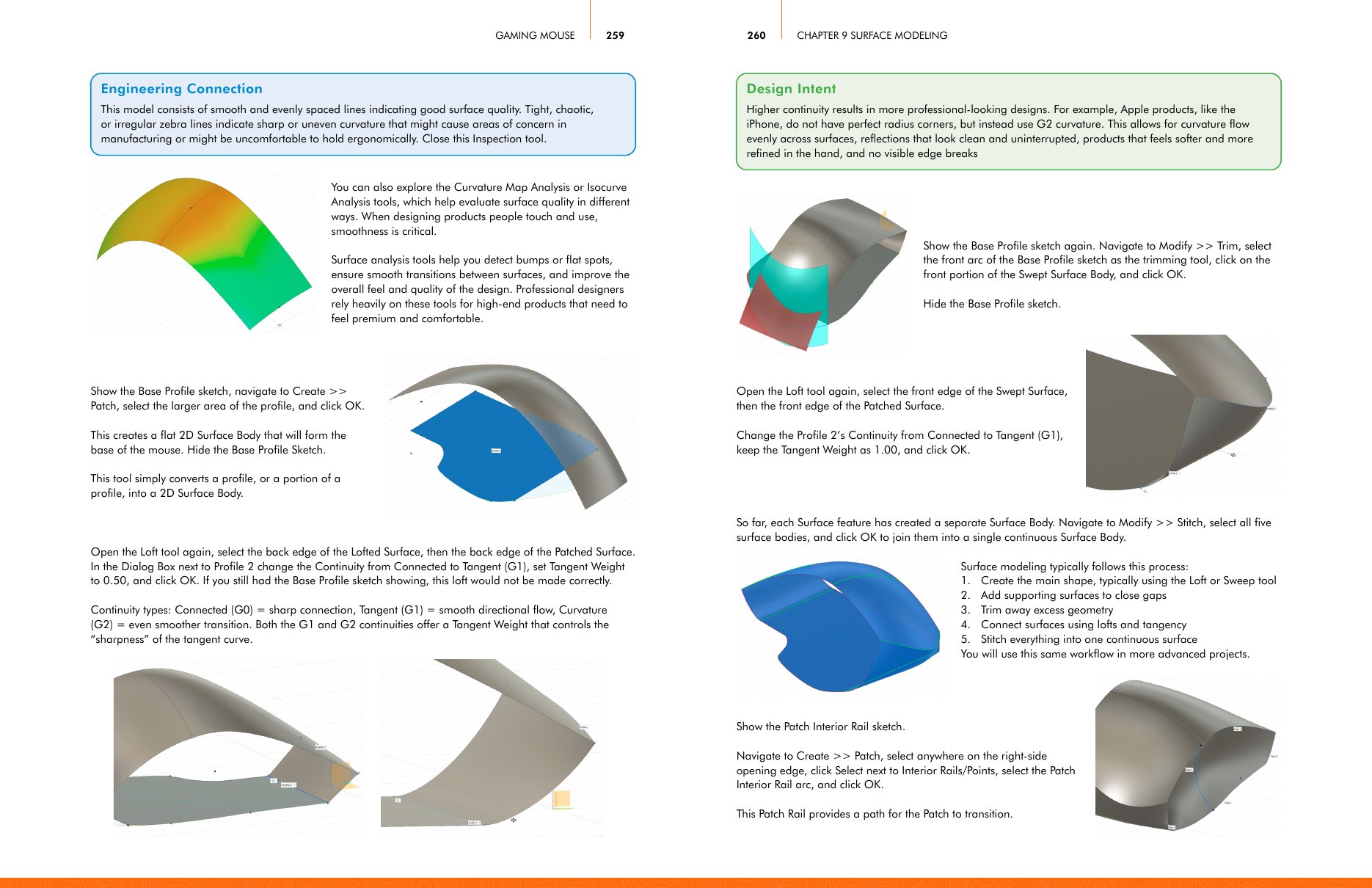
Build multi-part assemblies with joints, motion links, gear trains and motion studies that move like the real thing.
Create photoreal renders, design sheet metal parts ready to order from SendCutSend, and shape sleek industrial-design surfaces.
Communicate designs with engineering drawings and exploded animations, program CNC toolpaths in the Manufacture workspace, then take a full product from concept to documentation.
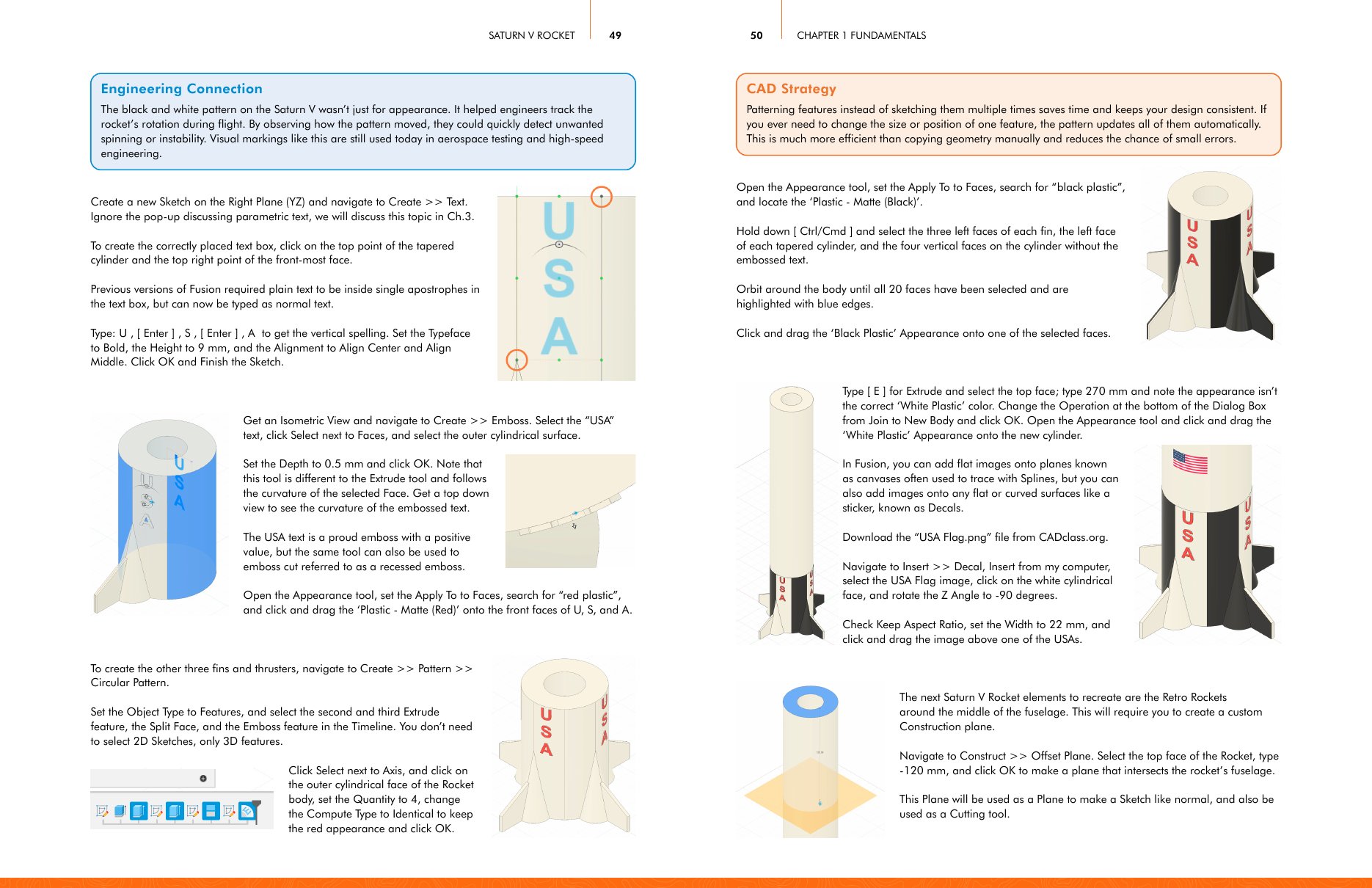
You do not need prior CAD experience to start.
The course is designed for complete beginners while still offering enough depth for educators, makers, engineering students, and professionals who want a stronger foundation in Fusion [360].
Lessons are paced intentionally, with each project introducing concepts at the right moment instead of overwhelming you with everything upfront.
If you’ve tried YouTube tutorials before, you already know the problem: too much information, no structure, and a lot of Googling just to figure out what’s happening.
CAD Class solves that with a sequential learning system designed to keep you progressing.
This course includes significantly more than recorded lessons.
step-by-step video projects
chapters, from sketch to CNC
aligned to the Autodesk Certified Associate exam
project PDFs
access to course materials
Discord community
office hours and support
completion certificate
You’ll also gain access to a growing community of educators, mentors, makers, and CAD learners who
can answer questions, review projects, and help you stay moving forward.
CAD Class runs on demand, so you can start immediately and work at your own pace. Each project video walks you through one complete build, and every project comes with a downloadable PDF so you can follow along at your own speed. Some learners move through the course in a few months. Others use it as an ongoing reference while teaching, prototyping or building personal projects. Either approach works.

Co-Founder of CAD Class | Mechanical Engineer | CAD & Fabrication Instructor
Jake Sugden has spent years teaching CAD, engineering, fabrication, and digital manufacturing through makerspaces, workshops, and educational programs. Thousands of students have used the same methods, projects, and workflows that shaped this course.
As a Fusion [360] specialist and lifelong maker, Jake focuses on making complex technical skills feel approachable, practical, and engaging.
You’re not here because random tutorials solved the problem.
You’re here because learning CAD without structure gets frustrating fast.
CAD Class combines the best parts of engineering education, hands-on project learning, and modern online instruction into a system that’s organized, practical, and built for real progress.
What Makes It Different
The goal isn’t just to finish lessons. It’s to confidently use Fusion [360] to design things that matter to you.
Do I need to pay for Fusion 360?

No. Most learners use the free hobbyist, educational, startup, or personal version of Fusion 360 throughout the course.
How long do I have access to the course?
You receive lifetime access to the videos, PDFs, and course materials.
Is this course beginner-friendly?
Yes. The course is specifically designed for beginners and does not assume prior CAD experience.
Do educators or organizations qualify for reimbursement?
Often, yes. Many educators and professionals receive reimbursement through their institution or employer. A course completion certificate is included.
Can groups or educational programs enroll together?
Yes. CAD Class supports educators, makerspaces, schools, and organizations with larger group implementations and instructor access options.
What kind of support is included?
You will have access to community support through Discord, live office hours, and direct communication with the CAD Class team.
Learning CAD becomes much easier when the path is clear. CAD Class gives you the projects, structure, and support needed to build real skills in Autodesk Fusion 360 without feeling lost along the way. Start designing, building, and creating with confidence.