

A complete Tinkercad curriculum that gives educators engaging projects, ready-to-teach lessons, and structured resources for introducing CAD with confidence.
Mastering Tinkercad for Instructors provides everything you need to teach design thinking and 3D modeling without building a curriculum from scratch.
Trusted by educators and institutions worldwide, including faculty at Harvard, Stanford, Yale, UCL, and Cambridge. Autodesk Authorized Training Center.






.jpg)
The best way to teach design is by creating something meaningful.
Mastering Tinkercad introduces educators to CAD through hands-on projects that build technical skills while encouraging creativity and problem-solving. Every lesson is supported by step-by-step videos, downloadable PDFs, lesson plans, and instructor resources that make implementation simple.
As you move through the curriculum, you'll gain the knowledge and confidence to guide learners through their own design journey.
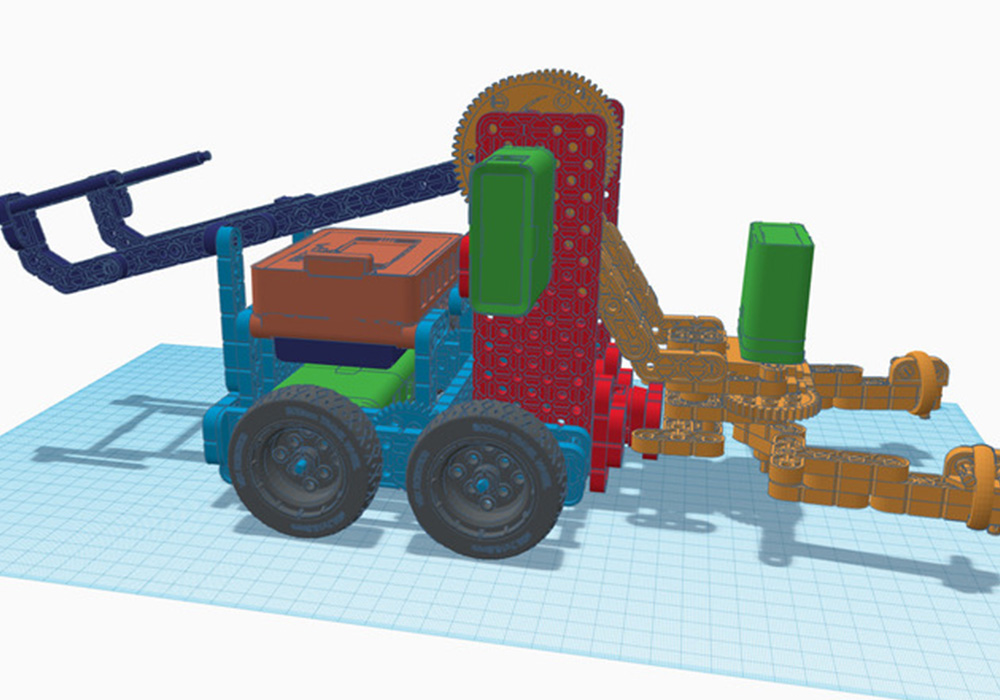
Every lesson is designed to strengthen both your CAD knowledge and your confidence as an educator.
Learning to teach CAD shouldn't feel overwhelming.
Mastering Tinkercad is organized into clear, progressive lessons that introduce one concept at a time. Each module builds naturally on the previous one, making it easy to follow while giving educators practical strategies they can immediately use.
You'll work through guided projects supported by lesson plans, videos, downloadable resources, and classroom activities that reinforce key concepts throughout the course.

.jpg)
Mastering Tinkercad is designed for educators who want an approachable way to introduce 3D design and engineering concepts. Whether you're teaching STEM, makerspace, technology, or engineering courses, the curriculum provides the structure and support needed to get started with confidence.
Instead of spending hours creating activities or searching for resources, you'll have everything organized in one place so you can focus on delivering an engaging learning experience.
This course includes significantly more than recorded lessons.
You'll also become part of a growing community of educators, makers, and mentors who are passionate about helping learners succeed.
Mastering Tinkercad runs on demand, allowing you to complete the course whenever it fits your schedule.
Most lessons take between 10–20 minutes, with approximately 16 hours of total learning time. Whether you're preparing for an upcoming class, participating in professional development, or exploring CAD for the first time, you can progress at a pace that works for you.
You'll also have lifetime access to all course materials, making it easy to revisit lessons whenever you need them.
%20(1).jpg)
Co-Founder of CAD Class | Mechanical Engineer | CAD & Fabrication Instructor
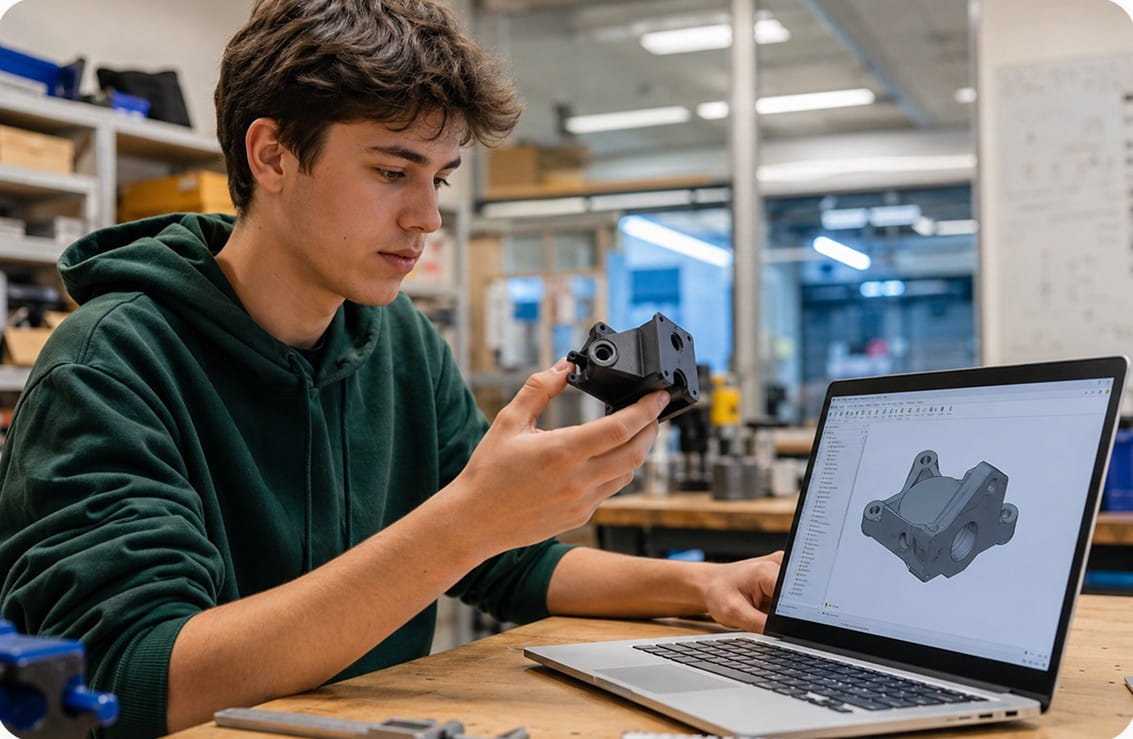
Jake Sugden has spent years teaching CAD, engineering, fabrication, and digital manufacturing through makerspaces, workshops, and educational programs. Thousands of learners have used the same teaching methods and project-based approach that shaped this curriculum.
His goal is simple: make technical concepts approachable, practical, and enjoyable so educators feel confident introducing CAD to every new group of learners.
Great CAD programs begin with confident educators and engaging projects.
CAD Class combines structured curriculum, hands-on learning, and practical teaching resources into a system that's easy to implement and enjoyable to teach. Every lesson is designed to reduce preparation time while helping learners stay engaged through meaningful projects.
What Makes It Different
The goal isn't simply to introduce software.
It's to help educators inspire creativity, build confidence, and give learners a strong foundation for future engineering and design.
%20(1).jpg)
.jpg)
The books are a great place to start. If you're teaching CAD in a school, makerspace, or educational program, CAD Class also offers complete curriculum packages with instructor resources, lesson plans, assessments, certification pathways, and classroom licensing.
.svg)
Introducing CAD should feel exciting, not overwhelming.
Mastering Tinkercad gives you a complete curriculum, ready-to-use instructional resources, and the confidence
to help learners develop creative problem-solving and design skills from their very first project.
Help your learners bring their ideas to life while building a strong foundation for future CAD learning.